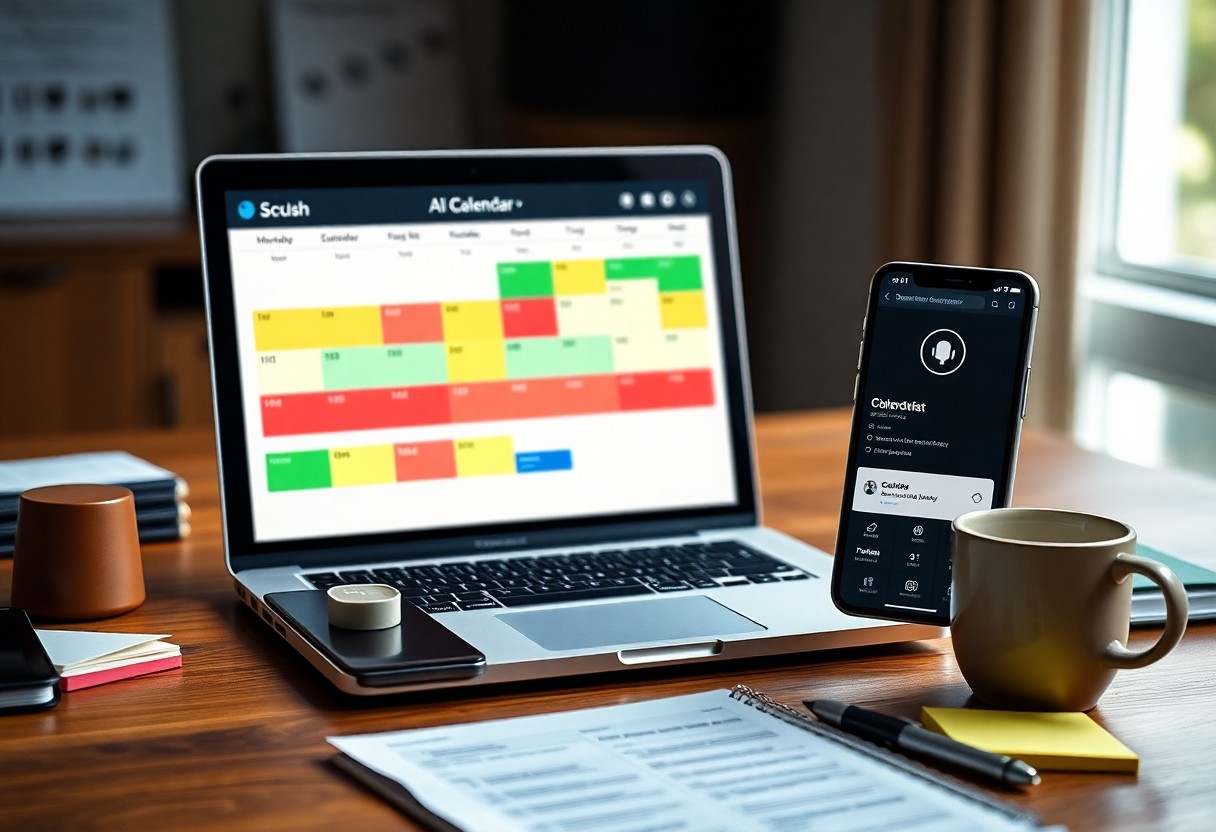
Most people I work with waste hours each week just organizing their tasks. I show you how to use AI to cut that time dramatically while reducing stress. You’ll learn to set up smart routines that adapt to your life, not the other way around. The danger isn’t using AI-it’s overcomplicating it. I keep your system simple, personal, and effective.
Key Takeaways:
- Use AI tools to automate routine planning tasks like scheduling meetings or setting reminders, freeing mental space for more meaningful decisions.
- Set clear boundaries for AI involvement-let it suggest plans, but keep final approval in your hands to maintain control and reduce decision fatigue.
- Start small by integrating one AI feature at a time, such as daily agenda suggestions, to build confidence without adding complexity to your routine.
Key Factors to Consider When Selecting AI Planning Tools
- You need compatibility with your current apps to avoid duplication.
- A simple user interface ensures you stay consistent without frustration.
- Look for automation that adapts to your habits, not the other way around.
- Ensure the tool respects your privacy and data ownership.
This shapes how smoothly AI fits into your real life.
Compatibility with existing digital ecosystems
I check whether the AI tool connects with your calendar, email, or task apps before committing. A tool that ignores your existing setup creates more work, not less. Syncing errors or missing events defeat the purpose of simplifying your day. This prevents unnecessary friction in your routine.
Learning curve and user interface simplicity
You’ll stick with tools that feel intuitive from day one. A cluttered interface or confusing menus leads to frustration and abandonment. I prioritize platforms with clear layouts and minimal steps to complete tasks. This determines long-term usability.
I’ve learned that even the smartest AI fails if it takes more than a few minutes to understand. When I first tried a voice-based planner, I quit within two days because it misinterpreted simple commands and offered no visual cues. A clean, logical design with predictable navigation keeps you engaged without constant troubleshooting. This makes consistency possible, even on hectic days.
How-to Configure Your AI for Maximum Efficiency
I fine-tune my AI assistant by setting clear preferences for task prioritization, notification timing, and energy-based scheduling. You’ll get better results when you teach it your rhythms-like when you’re most alert or prone to distractions. The real power comes from consistency, not complexity.
Syncing multiple calendar streams and time zones
You likely juggle work, personal, and family calendars across different time zones. I connect all of them to my AI so it sees the full picture. This prevents double-booking and ensures meeting invites adjust automatically-a small setup step that avoids major scheduling disasters.
Establishing core working hours and focus blocks
I define my core hours and let the AI guard them like appointments. You can set focus blocks for deep work, and the system learns not to schedule calls then. Protecting this time reduces decision fatigue and keeps your energy aligned with output.
Once I lock in my core working hours, I treat them as non-negotiable. My AI knows not to suggest meetings during my focus blocks unless they’re flagged as urgent. I’ve found that stacking high-concentration tasks in the morning, when I’m sharpest, makes a noticeable difference. You don’t need long hours-just strategically protected time where distractions are minimized and progress accelerates.
Essential Tips for Reducing Cognitive Load with AI
- Automate repetitive planning tasks so your mind stays focused on what matters
- Use AI-powered suggestions to prioritize daily goals without second-guessing
- Sync your calendar and tasks across devices to reduce mental clutter
- Limit manual input by enabling voice or natural language entry
Knowing how to streamline your workflow can make a real difference. For inspiration, see how others are using AI by visiting this What’s one way you’ve used AI to simplify something in … discussion.
Utilizing natural language processing for quick task entry
I often just speak or type how I’d naturally describe a task, like “Call Mom at 5 PM tomorrow,” and my AI tool parses the time, action, and contact automatically. This hands-free method cuts down on friction and keeps me in flow without needing rigid formats.
Setting smart filters for notification management
I let AI sort which alerts need my attention now and which can wait. By analyzing patterns in my behavior, it learns to hold non-urgent messages, so I only see what’s truly timely.
Smart filters go beyond simple rules by understanding context-like whether I’m in a meeting or focused on deep work. The AI adjusts notification delivery based on my current activity, reducing distractions without turning everything off. This adaptive approach means I stay informed but not interrupted, preserving mental energy throughout the day.
Critical Factors for Preventing Automation Overwhelm
To avoid burnout, I focus on key elements like intentional automation, clear boundaries, and regular review cycles. I only automate tasks that are repetitive and low-risk, ensuring I stay in control.
- Limit AI to non-critical tasks
- Set fixed times to assess AI output
- Preserve manual input for creative decisions
Recognizing when automation adds stress helps me adjust before it becomes unmanageable.
Maintaining manual control over high-priority deadlines
I never let AI set or adjust my most important deadlines. You need to personally track high-stakes goals because errors in AI scheduling can lead to missed commitments. I use AI for reminders, but I make the final call on timing. Recognizing that trust must be earned keeps me in charge when it matters most.
Balancing AI suggestions with personal intuition
I review every AI-generated plan with a skeptical eye. Your gut often knows what data can’t show-like energy levels or emotional bandwidth. I accept AI’s input but weigh it against how I actually feel day to day. Recognizing that you are the expert on your life keeps recommendations in their place.
There are times when AI recommends back-to-back tasks based on efficiency, but I’ve learned that back-to-back focus isn’t always sustainable. I’ve adjusted my schedule after noticing fatigue building, even when the AI insisted I was “on track.” Your intuition picks up on subtle cues-like mental resistance or creative blocks-that algorithms miss. I treat AI suggestions as starting points, not final verdicts, and give myself permission to deviate. This balance protects both productivity and well-being.
How-to Use AI for Dynamic Daily Prioritization
I let AI reshape my daily priorities in real time by analyzing deadlines, energy patterns, and interruptions. Instead of sticking to a rigid list, the system adjusts what matters most each morning, so I focus only on what truly moves the needle-without second-guessing my plan.
Implementing the Eisenhower Matrix via smart algorithms
You no longer need to manually sort tasks into quadrants. I use AI that applies the Eisenhower Matrix automatically, flagging urgent vs. important items based on context and deadlines. This reduces decision fatigue and ensures high-impact work gets attention before it becomes a crisis.
Automating the breakdown of complex projects into micro-tasks
I feed big goals into AI, and it instantly splits them into small, actionable steps with suggested timelines. You skip the overwhelm of staring at a vague objective-instead, you get a clear starting point and momentum from day one.
Breaking down complex projects works best when the AI considers your workload, deadlines, and past performance. I’ve found that when a project like “launch website” becomes “draft homepage copy” or “review analytics setup,” completion rates jump dramatically. The AI doesn’t just divide tasks-it sequences them intelligently, so you’re never stuck wondering what to do next.
Expert Tips for Auditing Your Digital Workflow
I review my tools monthly to ensure each serves a clear purpose.
- You should track app usage time with AI analytics
- Eliminate redundant tasks using automated insights
- Align tools with your energy peaks using behavioral data
Thou gain control when clarity replaces clutter.
Analyzing weekly AI-generated productivity reports
Weekly summaries reveal patterns you often overlook. I study my focus duration and task completion rates to spot inefficiencies. These reports highlight when interruptions occur and which tasks drain energy. You learn what truly moves the needle. Thou refine habits with precision, not guesswork.
Adjusting parameters to minimize scheduling friction
Small tweaks to AI settings reduce resistance in your day. I modify buffer times, priority tags, and notification rules based on real-world flow. When the system adapts to you, not the reverse, scheduling friction fades. Thou reclaim mental space simply by recalibrating inputs.
Each time I fine-tune my AI scheduler’s parameters-like task length estimates or break intervals-I notice fewer conflicts and less internal resistance. I set realistic durations for deep work and allow flexibility for overflow, which prevents guilt when plans shift. The AI learns from my corrections, making future suggestions more aligned with how I actually work. Thou maintain ownership while the tool quietly improves.
To wrap up
With this in mind, I design your daily planning around AI tools that fit naturally into your routine. I focus on simplicity, using automation for repetitive tasks so you can concentrate on what truly matters. By setting clear priorities and letting AI handle scheduling and reminders, I keep your day structured without clutter or stress.
Leave a Reply