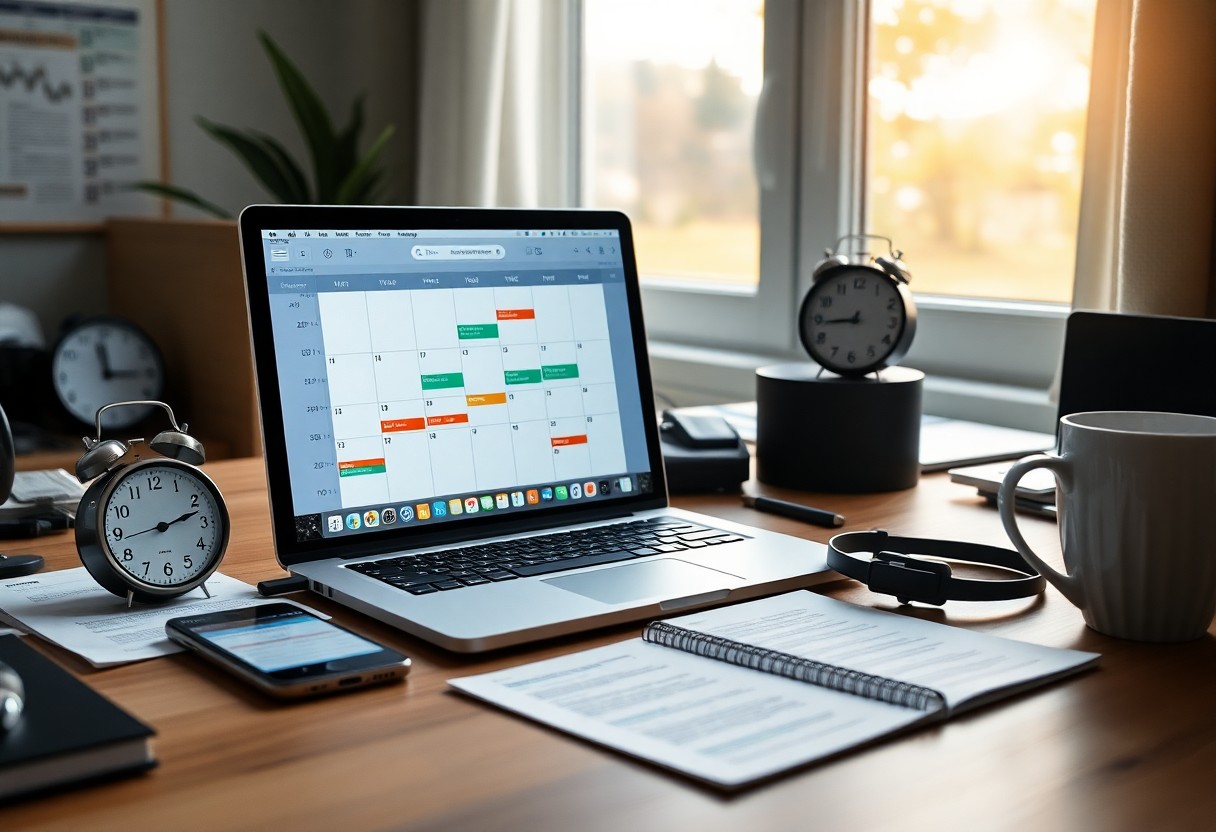
Over years of managing low-energy days, I’ve learned that AI can rebuild your routine when motivation fails. I use simple tools to plan tasks, set gentle reminders, and break work into steps you can actually follow. When you feel stuck, an AI guide keeps you moving without pressure, turning chaos into calm progress.
Key Takeaways:
- Use AI to break your day into small, manageable blocks with clear tasks, reducing the mental load when motivation is low.
- Let AI suggest a flexible routine based on your energy patterns, helping you start with the easiest task to build momentum.
- Ask AI to generate gentle reminders or motivational prompts tailored to your tone and goals, making it easier to re-engage when you stall.
Identifying Factors Behind Your Lack of Motivation
- Recognizing emotional triggers helps break the cycle of inaction
- Tracking daily patterns reveals hidden causes of low drive
- Noticing physical symptoms like fatigue can point to deeper issues
I pay attention to what drains my energy and when motivation slips. Emotional weight, poor sleep, or unclear goals often hide beneath the surface. The root cause isn’t always obvious-but once I name it, I can respond with clarity. The
Distinguishing between burnout and temporary resistance
You might feel tired, but is it deep exhaustion or just a rough morning? Burnout lingers for weeks and dulls every task, while resistance fades after starting. I know it’s burnout when even small wins bring no relief. The
Assessing energy levels for optimal task placement
My focus shifts throughout the day, and I’ve learned to map tasks to my natural rhythm. High-energy moments go to creative or demanding work, while low periods suit admin or reflection. Matching effort to energy prevents frustration. The
When I track my energy in 90-minute blocks, I spot when mental clarity peaks and when fatigue sets in. This isn’t about pushing harder-it’s about working with your body, not against it. Placing challenging tasks during peak alertness increases completion rates and reduces mental strain. The
How to Prompt AI for a Personalized Daily Schedule
I use AI to build my daily plan by clearly stating my goals and limits. You can read more about blending AI into your routine naturally in How to Use AI Every Day and Not Feel Like It’s Work. The most effective prompts include energy levels, deadlines, and personal preferences to shape a realistic flow.
Defining core priorities and non-negotiables
Your day works better when you start with what truly matters. I list my core priorities-like health, key projects, or family time-and mark them as non-negotiable. These become anchors in my AI-generated schedule, ensuring important commitments aren’t buried under busywork.
Breaking down complex projects into manageable micro-tasks
I turn overwhelming projects into small, clear actions that take 15-30 minutes each. Instead of “write report,” I ask AI to suggest “outline section one” or “gather data for page two.” This makes starting feel safe and achievable, not intimidating.
When I break down big projects, I focus on removing mental resistance. I ask AI to identify the very next physical action for each task, which prevents procrastination. Seeing a list of tiny steps helps me build momentum-even on low-energy days, just one micro-task completed counts as progress, and that keeps me moving forward.
Tips for Using AI to Overcome Task Paralysis
- Break tasks into smaller steps using AI-generated checklists
- Use AI reminders to prompt your first action
- Set realistic time blocks with AI scheduling tools
- Ask AI to rephrase overwhelming tasks into simple language
I rely on AI to cut through mental fog when tasks feel too big. By turning vague goals into clear, bite-sized actions, it removes the guesswork. Any hesitation fades when the next step is obvious.
Implementing AI-driven “body doubling” techniques
You can simulate working alongside someone by using AI to set shared focus sessions. I schedule timed blocks where the AI acts as a quiet partner, checking in at intervals. This mimics accountability without pressure. Any support that keeps you seated and active counts.
Gamifying the to-do list to boost dopamine levels
I turn routine tasks into mini-challenges with point systems AI helps design. Completing a task earns instant feedback, like a notification or score update. Any small win lights up motivation when energy is low.
Gamifying the to-do list works because it taps into your brain’s natural reward system. I set up AI tools to assign points, levels, or even playful penalties for missed tasks. Seeing progress in real time makes effort feel less like work and more like play. The immediate feedback loop keeps you engaged even when motivation lags. Any system that celebrates small actions builds momentum over time.
How to Structure Time Blocks Using AI Logic
I use AI to analyze my energy patterns and automatically assign tasks to optimal windows in my day. By feeding it data on when I’m most focused or sluggish, it builds a personalized schedule that respects my natural rhythm instead of fighting it. You don’t need perfect motivation-just trust the system to tell you what to do and when.
Integrating the Pomodoro method with AI assistance
You can sync AI tools with Pomodoro timers to adapt session length based on real-time focus levels. I’ve set mine to shorten intervals when distraction spikes, and extend them when deep work kicks in. This dynamic approach keeps you productive without burning out.
Factorizing transition periods to prevent mental fatigue
I build buffer zones between tasks because jumping from one thing to the next drains focus. AI helps calculate ideal gaps based on task intensity, so you recover mentally before starting anew. These small pauses prevent decision fatigue and keep your day sustainable.
Transition periods aren’t wasted time-they’re recovery moments your brain needs. I used to pack my schedule tightly, only to crash by midday. Now, AI analyzes how taxing each activity is and inserts 3-7 minute pauses accordingly. For example, after a high-focus writing block, I get a 5-minute break to stretch or breathe. These micro-recoveries keep mental strain low and maintain clarity across hours. You’ll notice sharper focus and fewer impulsive distractions when you stop treating time as a race.
Refining Your Routine Based on AI Feedback
I use AI insights to fine-tune my daily flow, adjusting tasks based on what actually works. When the data shows I’m consistently off track, I shift priorities instead of pushing harder. This responsive approach prevents burnout and keeps me aligned with my energy levels, making progress feel more natural and sustainable.
Adjusting the schedule for real-time interruptions
You’ll face unexpected calls or urgent tasks, and that’s normal. I let AI reschedule blocked time automatically, preserving focus blocks without guilt. The system adapts in real time, so I stay on course even when the day doesn’t go as planned.
Analyzing productivity patterns for future planning
Your best work rarely happens at random. I review AI-generated summaries of when I’m most alert and focused, then align important tasks with those windows. Matching effort to natural rhythm improves output dramatically-it turns guesswork into strategy.
Over time, I’ve noticed I produce clearer writing between 9 a.m. and 11 a.m., while administrative work feels easier after lunch. The AI logs this consistently, revealing patterns I’d otherwise overlook. Instead of forcing myself to tackle creative tasks late at night, I now protect those peak hours for deep work. This small shift has doubled my output on key projects, proving that timing matters as much as effort.
Critical Factors for Maintaining AI-Assisted Consistency
- Consistency thrives when AI-generated routines align with your natural energy cycles
- Personal values must shape the framework, not just efficiency metrics
- Regular feedback loops help refine suggestions to fit real-life changes
- Adaptability ensures the system supports you, not the reverse
Thou build lasting momentum by honoring both data and self-awareness.
Balancing algorithmic suggestions with personal intuition
I trust my gut when an AI-recommended task clashes with how I feel that day. Algorithms can’t always sense fatigue or inspiration. You know your body and mind better than any model. Overriding a suggestion isn’t failure-it’s intelligent customization. Thou stay in control when intuition guides adjustments.
Setting boundaries to prevent digital tool fatigue
You risk burnout if notifications and schedules dominate your attention. I limit check-ins to twice daily and silence non-vital alerts. Digital tools should reduce mental load, not multiply it. Thou preserve clarity by defining when and how you engage.
Constant pings from productivity apps erode focus and increase stress, turning helpers into invisible demands. I set specific times to review AI suggestions-morning and evening-and disable real-time updates. This small boundary keeps my relationship with tech intentional, not reactive, ensuring tools serve my peace, not disrupt it.
To wrap up
I’ve shown you how I use AI to build a simple, flexible daily structure when motivation fades. By setting small, clear tasks and relying on AI to organize timing and reminders, you regain momentum without pressure. I find that starting with just one prompt to plan the day keeps things manageable and helps you stay on track.
Leave a Reply