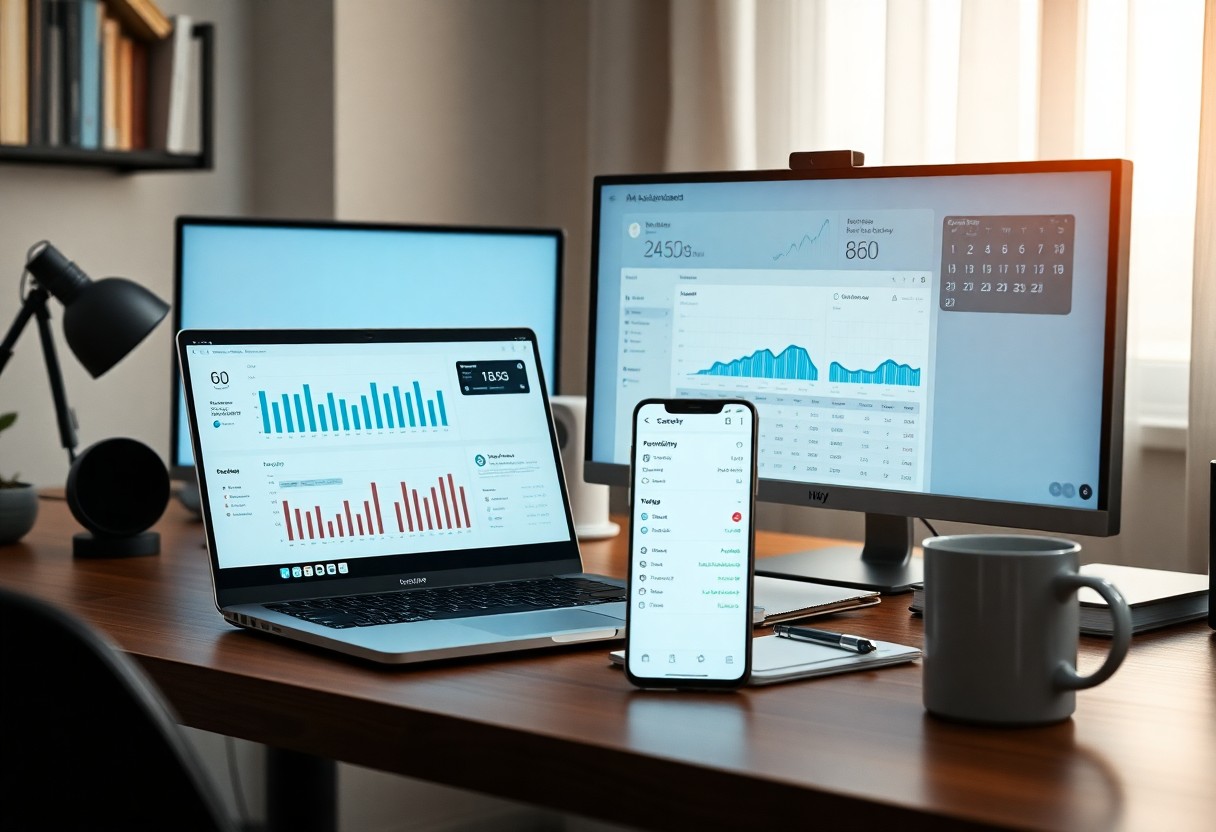
AI helps me save time and reduce stress by organizing my day, from scheduling meetings to reminding me about birthdays. I use it to automate repetitive tasks, so you can focus on what truly matters. With the right tools, your productivity can grow fast, but be careful-sharing sensitive data can be risky if you’re not cautious.
Key Takeaways:
- AI tools can automate routine tasks like scheduling, email sorting, and expense tracking, freeing up time for more meaningful work and personal activities.
- Using AI for goal tracking and habit formation helps maintain consistency by providing timely reminders and progress insights tailored to individual behavior patterns.
- Setting clear boundaries with AI-such as limiting notifications or defining usage hours-ensures it supports productivity without contributing to burnout or distraction.
Choosing the Best Tools for Your Lifestyle
I look for AI tools that fit naturally into my daily routine, matching how I work and live. Your needs might center on time-saving automation, better focus, or smoother scheduling. Perceiving
Factors to consider when picking your first AI app
- How well it supports your daily habits
- Whether it syncs with your existing devices and apps
- If the interface feels intuitive and reduces mental load
- Privacy policies around your personal data
Something I always check is how much customization an app allows. You want flexibility without confusion. Perceiving
How to set up your digital assistant for success
Your assistant works best when I teach it my routines and preferences early. I start by linking calendars, setting reminders, and naming recurring tasks. Clear labels and consistent commands help it learn faster. Perceiving
One thing I’ve learned is that small setup steps make a big difference over time. I take ten minutes each week to review what my assistant got right-or didn’t. Then, I tweak commands or add shortcuts. This habit builds trust and accuracy, so I can rely on it for both work deadlines and personal plans. Perceiving
Streamlining Your Professional Workflow
I use AI tools to handle repetitive tasks so I can focus on what truly matters. From sorting emails to scheduling tasks, automation keeps my workday smooth and efficient. This
Tips for automating your daily meeting notes
You can save time by letting AI transcribe and summarize your meetings automatically. I set my tool to highlight action items and deadlines so nothing slips through the cracks.
- Use voice-to-text AI during calls
- Tag key decisions for quick reference
- Share summaries with team members instantly
This
How to draft professional emails in a flash
I type a quick idea and let AI shape it into a clear, polite message. It adjusts tone based on the recipient, whether it’s a client or a coworker. This
Drafting emails used to eat up my mornings, but now I just jot down a sentence like “follow-up after the call” or “ask for project extension,” and AI builds a well-structured message in seconds. I always review for accuracy, but the tone and clarity are consistently on point. This
Managing Your Personal Schedule with Ease
I let AI handle my daily planner so I don’t have to stress over overlapping tasks. By syncing my calendar across devices and using smart alerts, I stay on top of appointments, workouts, and personal goals. Automated reminders, time blocking, and priority sorting keep everything flowing smoothly. Assume that
How to use AI for stress-free meal planning
Planning meals used to overwhelm me, but now I rely on AI to suggest recipes based on what’s in my fridge and my dietary preferences. It creates weekly menus and even generates shopping lists. Personalized nutrition, ingredient matching, and cooking time estimates make dinner decisions effortless. Assume that
Tips for organizing family events and reminders
Coordinating family life feels simpler when I use AI to track birthdays, school events, and weekend plans. Shared calendars update in real time, and I get alerts before anything important comes up. Family sync, event automation, and smart notifications keep everyone on the same page. Assume that
Keeping track of my family’s busy lives used to mean sticky notes everywhere and last-minute surprises. Now, I use AI tools that centralize all our schedules into one shared view where everyone gets automatic updates. I set recurring reminders for things like dentist appointments or soccer practice, and the system suggests the best times for family dinners or outings based on everyone’s availability. It even adjusts when plans change. Real-time updates, recurring event setup, conflict detection, and shared access make coordination feel natural. Assume that
- Real-time updates ensure no one misses a change
- Recurring event setup saves time on repeat tasks
- Conflict detection alerts you to schedule overlaps
- Shared access lets everyone contribute and stay informed
Maximizing Your Daily Productivity
I use AI every day to clear mental clutter and focus on what truly moves the needle. From scheduling meetings to drafting emails, AI helps me save time and reduce decision fatigue. You can read more about my real-world approach in How I ACTUALLY use AI in my work and everyday life.
Factors that help you stay focused using AI
Distractions melt away when I set clear goals, use AI to block interruptions, and schedule deep work sessions. Tools that track my focus patterns help me adjust in real time. Assume that small tweaks powered by AI can transform your attention span.
How to summarize long articles and reports quickly
I paste lengthy content into an AI tool and ask for a concise breakdown in bullet points. It pulls out key insights, data, and conclusions in seconds. Assume that you’ll retain more by reviewing summaries before stepping into full texts.
When I’m facing a 50-page report, I don’t read it cover to cover. Instead, I upload it or copy the text into a trusted AI assistant and prompt: “Summarize the main points in three short paragraphs and list five actionable takeaways.” The speed and clarity I get free up time for actual decision-making, not just information gathering.
Enhancing Your Creative Projects
I use AI to spark inspiration and break through creative blocks. Whether I’m writing, designing, or planning a presentation, AI tools help me explore new directions quickly. They suggest unexpected angles and refine rough concepts into something polished. The creative process feels more fluid and enjoyable when I let AI do the heavy lifting at the start.
Tips for brainstorming fresh ideas with AI
I ask AI open-ended questions like “What are some unique themes for a travel blog?” to jumpstart my thinking. It gives me unexpected combinations I wouldn’t have considered. AI-generated prompts help me explore different tones, formats, and audiences. The best ideas often come from mixing my intuition with AI suggestions. The key is staying curious and flexible.
- Use creative prompts to guide AI input
- Experiment with different tones and styles
- Combine AI ideas with your personal experience
- Refine outputs to match your authentic voice
How to polish your writing and presentations
You’ll notice smoother flow and clearer messaging when I let AI review my drafts. It catches awkward phrasing and suggests stronger word choices without changing my voice. I especially appreciate how it shortens long sentences and highlights repetitive points. The result feels more professional and engaging every time.
When I’m finalizing a blog post or presentation, I paste sections into an AI tool and ask for concise edits that improve clarity. It doesn’t rewrite everything-just offers subtle tweaks that make a big difference. I keep what aligns with my style and discard the rest. The precision and speed of feedback help me deliver better work in less time.
Staying Secure and Mindful
I always check app permissions and limit data sharing to keep my information safe. Learning about AI privacy risks helped me make smarter choices. For more insights, check out this helpful resource: 5 Ways You Can Use AI Technologies to Enhance Work …-it offers practical tips to stay balanced and protected.
Factors for protecting your personal data
Your digital safety starts with strong passwords and two-factor authentication.
- Only share personal data with trusted platforms
- Regularly update privacy settings on AI tools
- Review app permissions to limit data access
Recognizing which details are sensitive helps prevent misuse.
How to maintain a healthy balance with technology
I set daily limits on app usage to avoid burnout and mental fatigue. Turning off non-crucial notifications helps me focus on what matters. You don’t need to be online every minute to stay productive or connected.
Sometimes, I schedule tech-free hours to recharge and reflect. I’ve noticed that stepping back improves my mood and creativity. Using AI tools doesn’t mean being glued to screens-it means working smarter, not harder. You can enjoy the benefits without losing yourself in the process.
Summing up
Considering all points, I’ve found that using AI helps me stay on top of your daily tasks, organize your schedule, and reduce stress. I use it to set reminders, sort emails, and even suggest quick replies. With the right tools, you can simplify both your personal and professional routines in a way that feels natural and helpful.
Leave a Reply