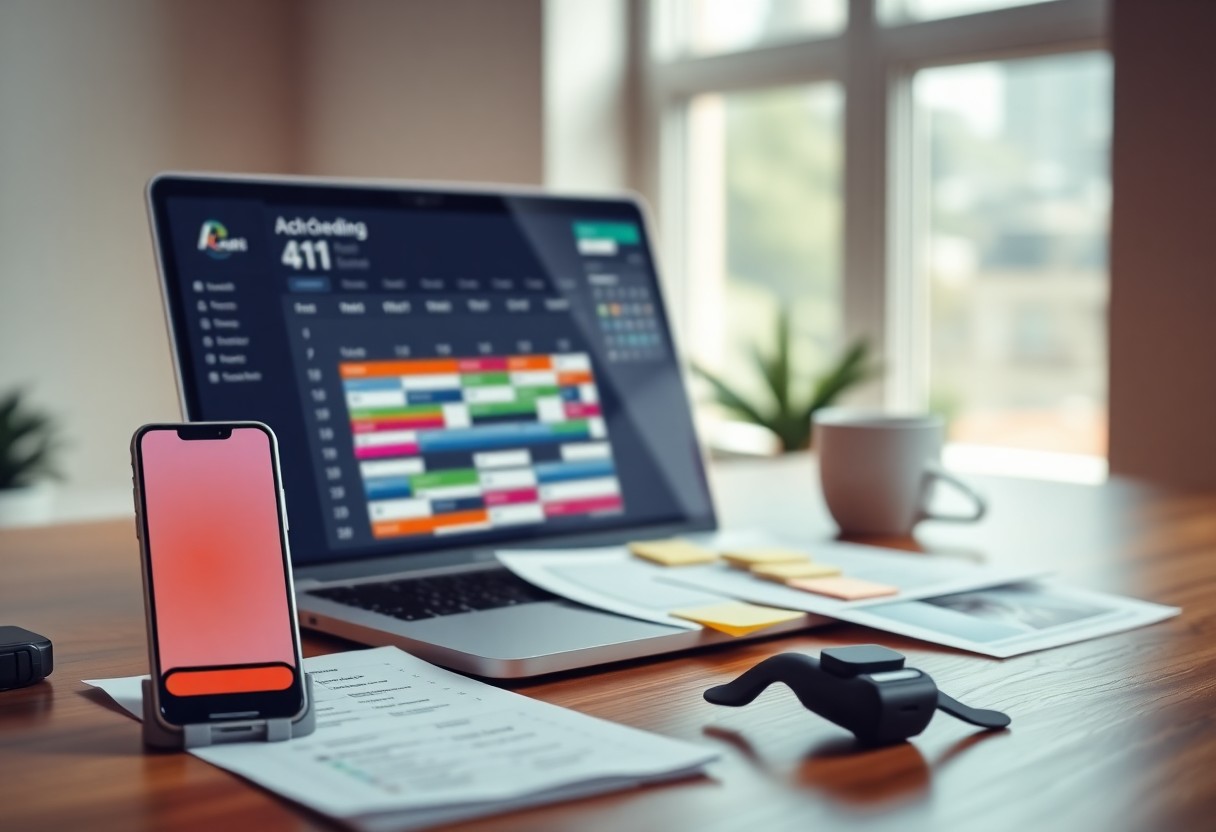
You’re juggling work, family, and personal goals, and every minute counts. I’ve tested AI tools that save me hours each week. With the right setup, you can cut busywork in half and focus on what truly matters. Let me show you how.
Key Takeaways:
- Use AI tools to automate routine tasks like email sorting, calendar scheduling, and meeting summaries so you can focus on high-impact work.
- Set specific times to interact with AI assistants daily to avoid constant interruptions and maintain deep focus on priorities.
- Train AI to recognize your preferences and work patterns over time, making suggestions and outputs more accurate and personally useful.
The Digital Scythe
I use AI like a digital scythe, slicing through clutter so I can focus on what truly matters. With so much noise competing for attention, it’s easy to feel overwhelmed, but smart tools help me stay sharp and efficient without burning out.
Clearing the Thicket
Every morning, I let AI sort my inbox and flag urgent messages. This simple step removes the mental fog of decision fatigue. You’ll be surprised how much calmer your mind feels when you’re not wading through chaos.
Automated Command
I set up voice-triggered workflows that handle routine tasks like scheduling and reminders. Saying one phrase can start a whole sequence-no tapping, no delays. It’s like having a quiet assistant who knows exactly what you need.
With Automated Command, I’ve taught my devices to respond to custom voice cues that trigger multiple actions at once. For example, saying “Start my day” pulls up my calendar, reads my to-dos, and starts a focus playlist. The real power lies in how effortless it makes complex routines-you act once, and your system does the rest.
The Efficient Calendar
I use AI to automate my schedule and reclaim hours every week. Tools like the ones in The 10 Best AI Tools for Time Management help me block time smartly, so I focus on what truly matters without constant planning.
Algorithmic Precision
Your calendar learns your habits the more you use it. I let mine reschedule low-priority tasks when conflicts arise, so high-impact work always gets space. This silent optimization keeps my days on track without extra effort.
Time Recovery
I used to lose minutes to repetitive tasks, but now AI handles them automatically. From smart reminders to auto-rescheduling, I get back over an hour a day-time I now spend on creative work or rest.
Recovering lost time changed how I view my day. Simple automations, like AI moving a meeting after a delay or summarizing action items, add up. You might not notice one saved minute, but dozens each day mean you can finally breathe, think, or just be present-without rushing.
Rapid Composition
I use AI to turn my scattered thoughts into clear messages in seconds. When time is tight, typing a quick prompt helps me draft emails, notes, or updates without staring at a blank screen. This keeps momentum high and stress low, even on the busiest days.
Draft Generation
You’d be surprised how fast a rough draft comes together when you let AI handle the first pass. I just input a few bullet points, and within moments, I have a structured message ready to review. It cuts brainstorming time dramatically, giving you more room to focus on delivery.
Refined Output
I always take a moment to polish what the AI gives me, ensuring it sounds like me. Small tweaks to tone or word choice make a big difference. A personalized touch turns generic text into authentic communication that resonates with your audience.
Refinement isn’t about fixing errors-it’s about aligning the message with your voice and intent. I read each output aloud to catch awkward phrasing, and I adjust sentences so they flow naturally. This final step ensures clarity and connection, turning a functional draft into something that truly works for you.
Information Triage
I sort through emails, articles, and messages daily, and AI helps me decide what to keep and what to skip. When I’m short on time, I ask AI to highlight only the key points. You can even share long threads or documents and get a clear breakdown in seconds. Curious how others handle the overload? Check out this What’s your best AI productivity trick? thread for real-world tips.
Instant Summaries
You don’t need to read every word to stay informed. I use AI to turn long reports or newsletters into quick summaries under 100 words. This way, I save time and still catch the most important details without feeling overwhelmed by content.
Search Optimization
I tweak how I ask questions so AI gives me better answers. Instead of “Tell me about time management,” I say, “Give me three time-blocking tips for remote workers with back-to-back meetings.” Specific prompts get specific results, and that makes all the difference.
When I fine-tune my search terms, I see a big jump in how useful the responses are. I’ve learned that adding context-like my job role, time limit, or preferred format-helps AI deliver answers that fit my real needs. It’s not magic; it’s about asking clearly and getting back something I can actually use right away.
Communication Flow
I keep my messages clear and short so you don’t waste time decoding what I mean. By using AI to suggest concise phrasing, I ensure your replies come faster and with fewer misunderstandings. This saves minutes every day that add up, especially when juggling multiple conversations across teams.
Smart Response
I let AI draft quick replies to common messages so you can respond in seconds. These suggestions adapt to your tone, making it feel personal without the effort. I only tweak them slightly, giving you back time for what truly needs your attention.
Filtered Noise
I train AI to sort out low-priority messages so you only see what matters. Urgent emails rise to the top, while newsletters and automated alerts stay out of your way. This keeps your focus sharp and your inbox manageable.
I’ve taught my AI to recognize which messages need my eyes right away-like those from key teammates or with time-sensitive requests-and which can wait. It learns from how I react, so over time, it gets better at shielding me from distractions. Without this, I’d be scrolling endlessly, reacting to noise instead of progress.
Final Words
Summing up, I’ve shared these AI productivity tips because I know how packed your days can get. I use them myself to save time and reduce stress. With the right tools, you can work smarter, not harder, and still have room for what matters most to you.
Leave a Reply