Scams are getting smarter, so how will you spot them? You can spot fake AI content by checking sources, asking questions, and pausing before sharing, don’t click odd links, and always verify claims to avoid harmful misinformation.
Key Takeaways:
- A 2023 survey found about 70% of adults encountered AI-generated misinformation online. Check the source before you share – look for original reporting, author names, dates and corroboration from reputable outlets. If something smells off, pause; use reverse image search or a quick fact-check site.
Pause before you share. - Phishing and deepfake scams are getting slicker every month. Treat urgent requests for money or passwords like red flags; stop, think, verify by calling the company or friend directly. And never click links in unexpected messages – hover to inspect, type the URL yourself. Use strong passwords and two-factor authentication so one breach doesn’t wreck everything.
- Keep your devices and apps up to date and use reputable security tools. Run malware scans, enable browser protections, and limit app permissions – simple small moves that cut risk a lot. Want extra help? Use fact-check extensions and cross-check claims with multiple trusted sources before you hit share.

Keep your private stuff, well, private
Privacy is personal – don’t feed chatbots or new apps your SSN, bank details, or health records. Only share with verified services and audit app permissions yourself; revoke anything that asks for unnecessary access. Treat profiles like keys, not diaries.
Why I’m super picky about new apps
Apps often harvest more than you think, so you should vet permissions, skip logins with social accounts, and avoid giving access to contacts or files. Use the web version when possible and check reviews for data leaks.
Let’s talk about better passwords
Passwords need to be long, unique, and unpredictable; you should use a trusted password manager and enable two-factor authentication everywhere it’s offered. No ‘password123’ or reuse – those are hacker invites.
If you hate juggling logins, get a reputable password manager and let it generate long random passwords for you – you only have to memorize one strong master pass. Add two-factor authentication for accounts with money or personal data.
Never reuse passwords.
Yes, it’s a little setup work up front, but it stops most automated attacks dead.
Think twice before you click that link
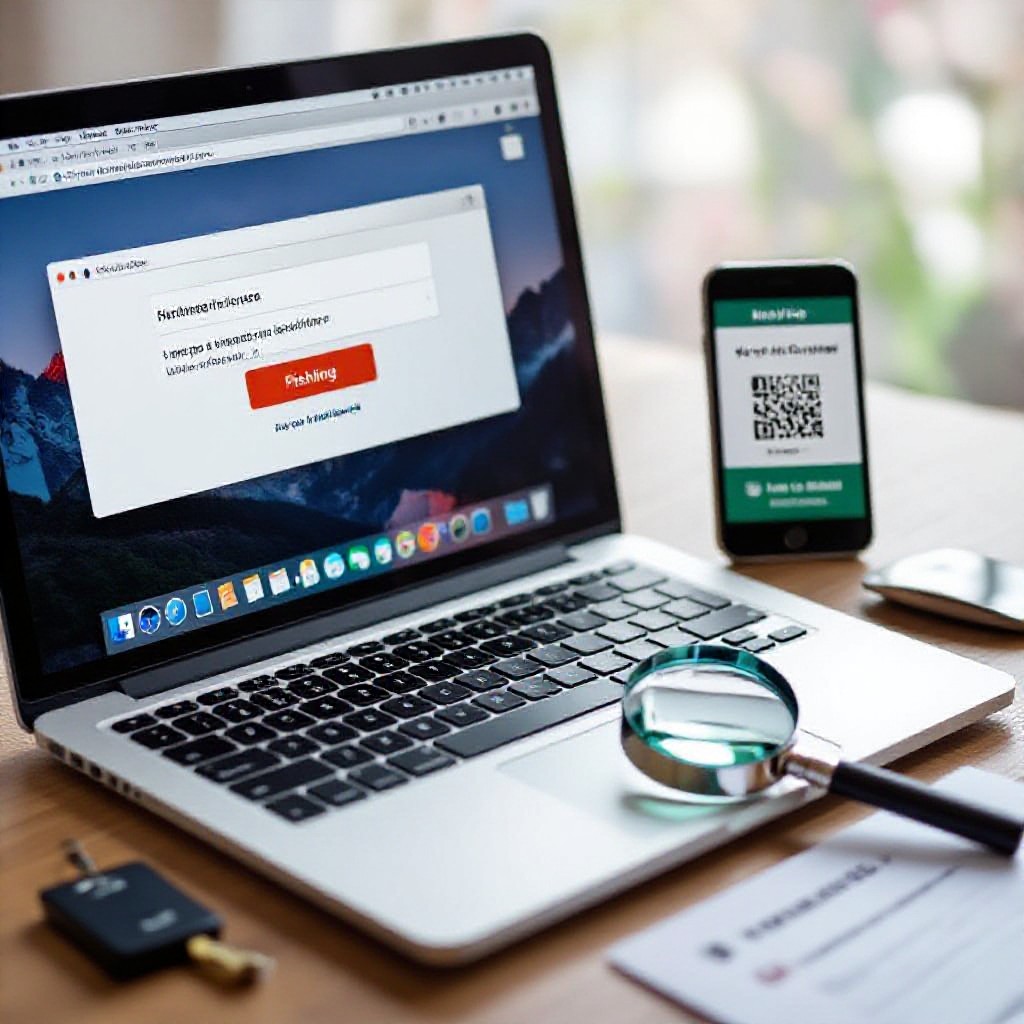
You get a message from a friend with a weird link after a night out – it looks casual but could be a trap. Trust your gut: hover, check the URL, or ask directly. If it feels off, don’t click. Phishing links can steal logins or install malware.
Sneaky emails that sound way too human
Ever get an email from your boss asking for a quick refund or strange attachment? Scammers now write like real people, so check the address, hover links, and call the sender if unsure. If the reply-to doesn’t match the name, that’s a red flag, don’t rush.
What’s up with those weird text scams?
When a text says you won or asks for your verification code, pause, these are crafted to rush you. Don’t tap one-click links; instead type the company site or call support. If they ask for a security code or payment, it’s almost certainly a scam.
So you get a text saying “Your package is delayed, click here” and the link goes to a fake login that grabs your password or asks for a code to pull off a SIM swap, wild, right? Don’t reply, don’t forward codes, and don’t dial numbers in the message. Add and use app-based 2FA and set a carrier PIN. Never share one-time codes, then report and block the number.
Conclusion
With this in mind, you’ll dodge AI scams by checking sources, verifying messages, using strong passwords and two-factor auth, and pausing before you click or share; got a weird claim? Google it or ask a friend first.
FAQ
Q: How can I spot AI-generated scams and misinformation?
A: I got a text last month that sounded exactly like my sister – same slang, same laugh emoji, asking for cash. I almost sent it before I noticed the little typo in her email address and the weird link.
People get fooled all the time because the tech sounds right.
Look for tiny inconsistencies in tone, mismatched email addresses or URLs, and requests that push urgency or money. AI often nails grammar but slips on small personal details or context – dates that don’t line up, names used oddly, or a weird call-to-action that feels off.
Trust your gut when something feels slightly wrong.
Ask a question only the real person would answer, or call them. If they dodge or the reply is oddly generic, stop and check.
Q: What practical steps should I take to protect my accounts and personal data?
A: A friend once lost access to his email after clicking a “security” link that turned out to be fake. He had reused that password everywhere, and the attacker went on a spree for hours. That was messy.
Use unique passwords for every account and a password manager to keep them straight – you don’t have to memorize a dozen weird strings. Turn on two-factor authentication for any account that offers it.
Keep apps and devices updated, limit permissions for apps, and be careful granting access to new integrations or services.
If you get a password reset or weird login alert, treat it like a fire alarm – check immediately, change passwords, and revoke suspicious sessions or app permissions.
Q: How do I verify news, images, and videos that might be manipulated by AI?
A: I once shared a viral clip thinking it showed a public figure doing something outrageous – turned out it was a deepfake. Embarrassing, but a good lesson. I now always pause before I share.
Reverse image search still works well for photos; use Google Images or TinEye to see where an image first appeared. For videos, slow it down and look for lip-sync issues, odd blinking, or strange shadows – AI fakes often stumble on small physical cues. Check the original source and see if reputable outlets are reporting the same thing.
Pause before you hit share.
If only sketchy sites show it, or the headline is clickbaity, treat it as unverified and wait. If verification tools are confusing, look for fact-checkers or official statements from organizations involved.